


Description
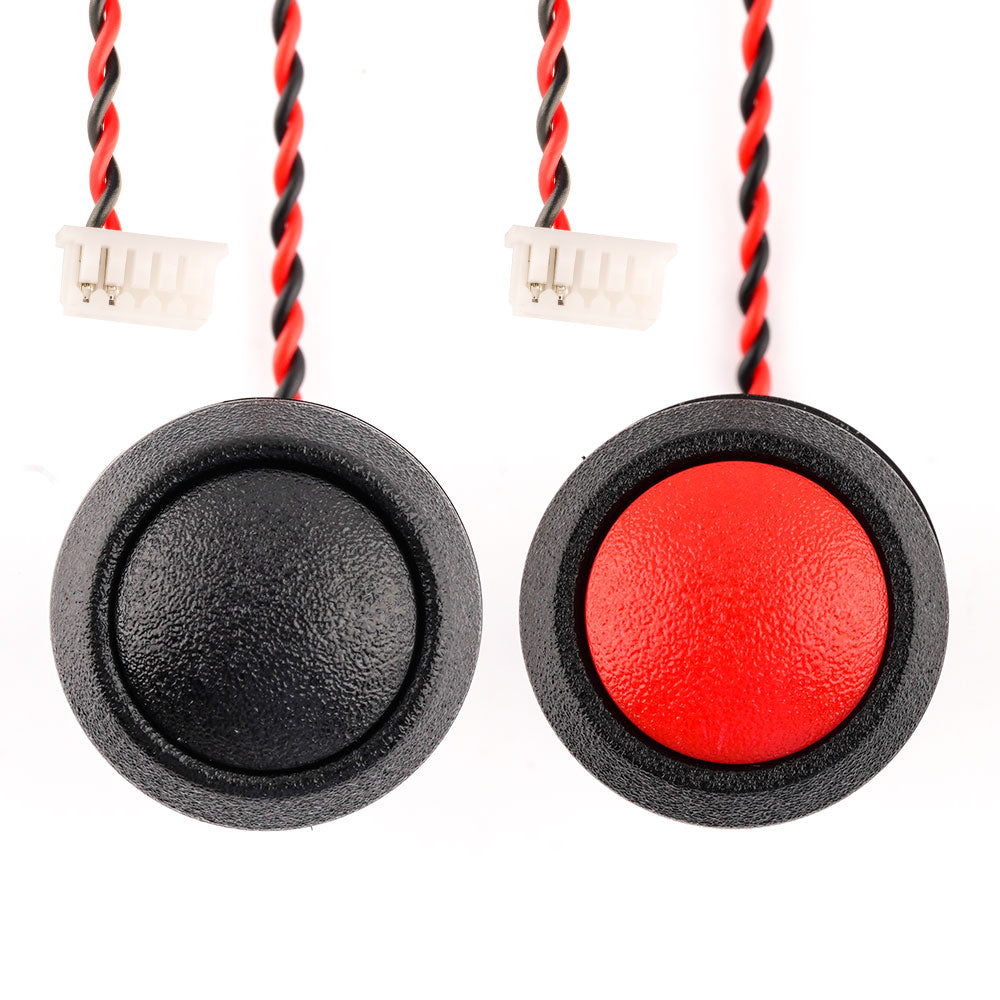
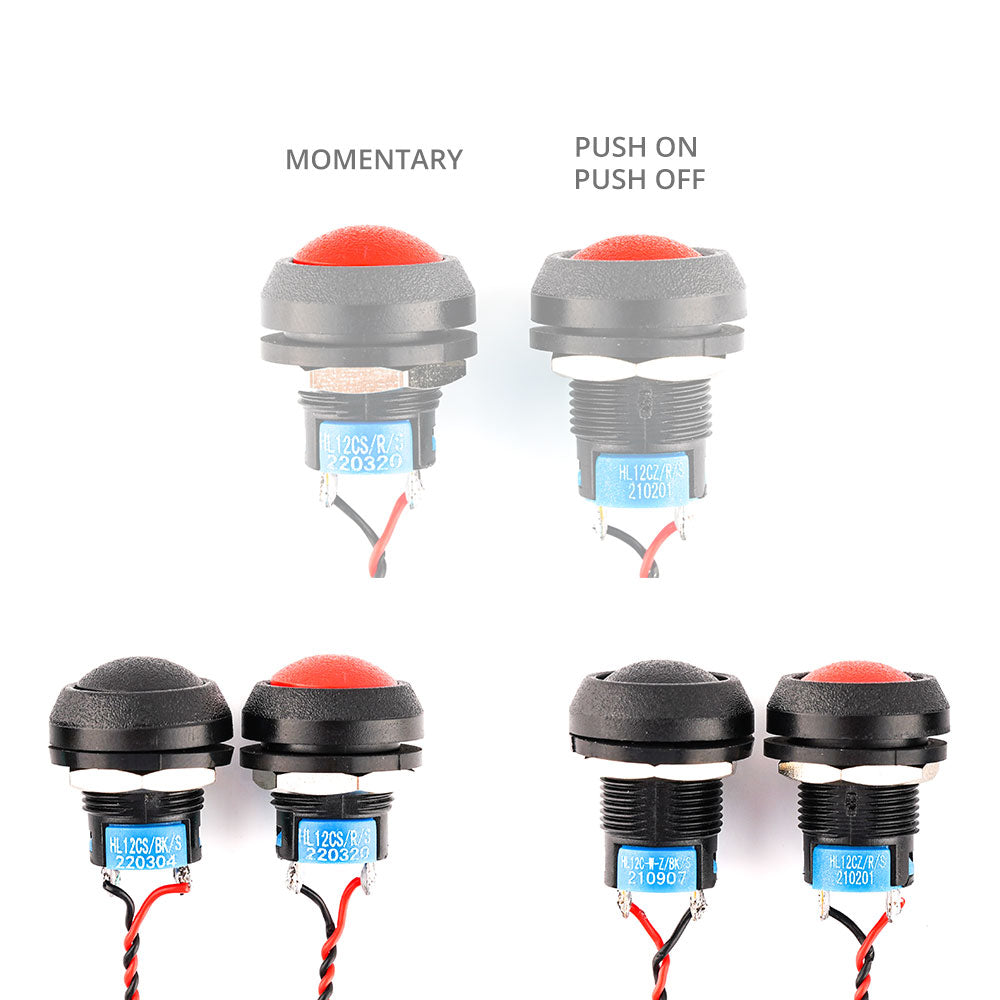
Radiomaster DIY Upgrade Button for TX16S MKII allows you to add an extra button of your choice. There are 2 versions of Push on/Push off and Momentary and available in 2 colors each.
Installation Procedure
- Remove the Back cover of the TX16S
- Remove the circular Tab on the back cover and install the switch in the back cover
- Plug the switch cable to either of the two free ports on the PCB
- Re-Install the Back cover
- Configure the new switch in Edge TX


Package Includes
- 1 * DIY Upgrade Button


 EN
EN  FI
FI  SV
SV  DA
DA  DE
DE  FR
FR
Mikael Persson (verified owner) –
Kvaliteten känns bättre än förväntat.