

Description
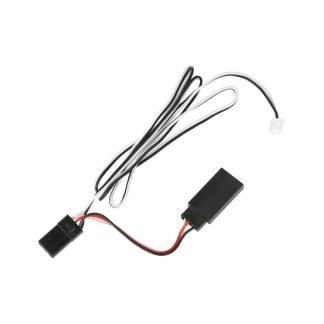
Real Time Telemetry data is not only convenient, but it has proven itself to be a vital tool to ensure the safety of our models. When using the Scorpion Spektrum® X-Bus Telemetry Cable with your Tribunus ESC, you can now view Tribunus ESC Telemetry data, directly from your Spektrum® Remote Control.
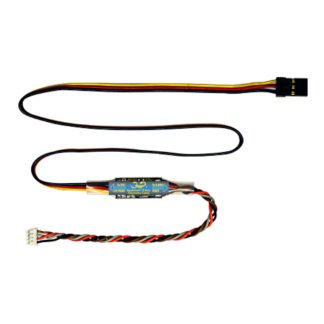
This cable converts Scorpion UNSC Telemetry data to the telemetry communication protocol disclosed by Spektrum®
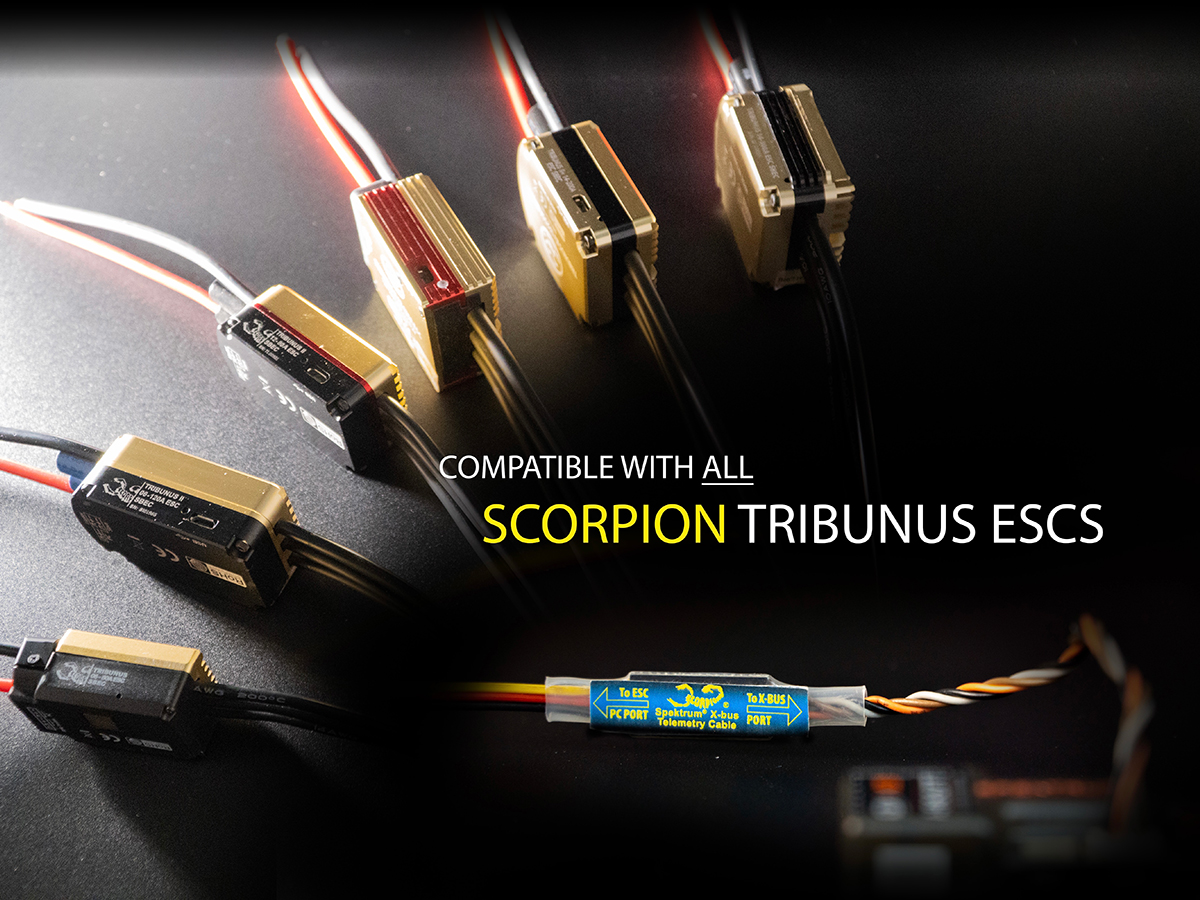
The Scorpion Spektrum® X-Bus Telemetry Cable works with ALL Tribunus ESCs and enables Telemetry compatibility when used with telemetry enabled Spektrum® Remote Controls and Spektrum® Telemetry Receivers.
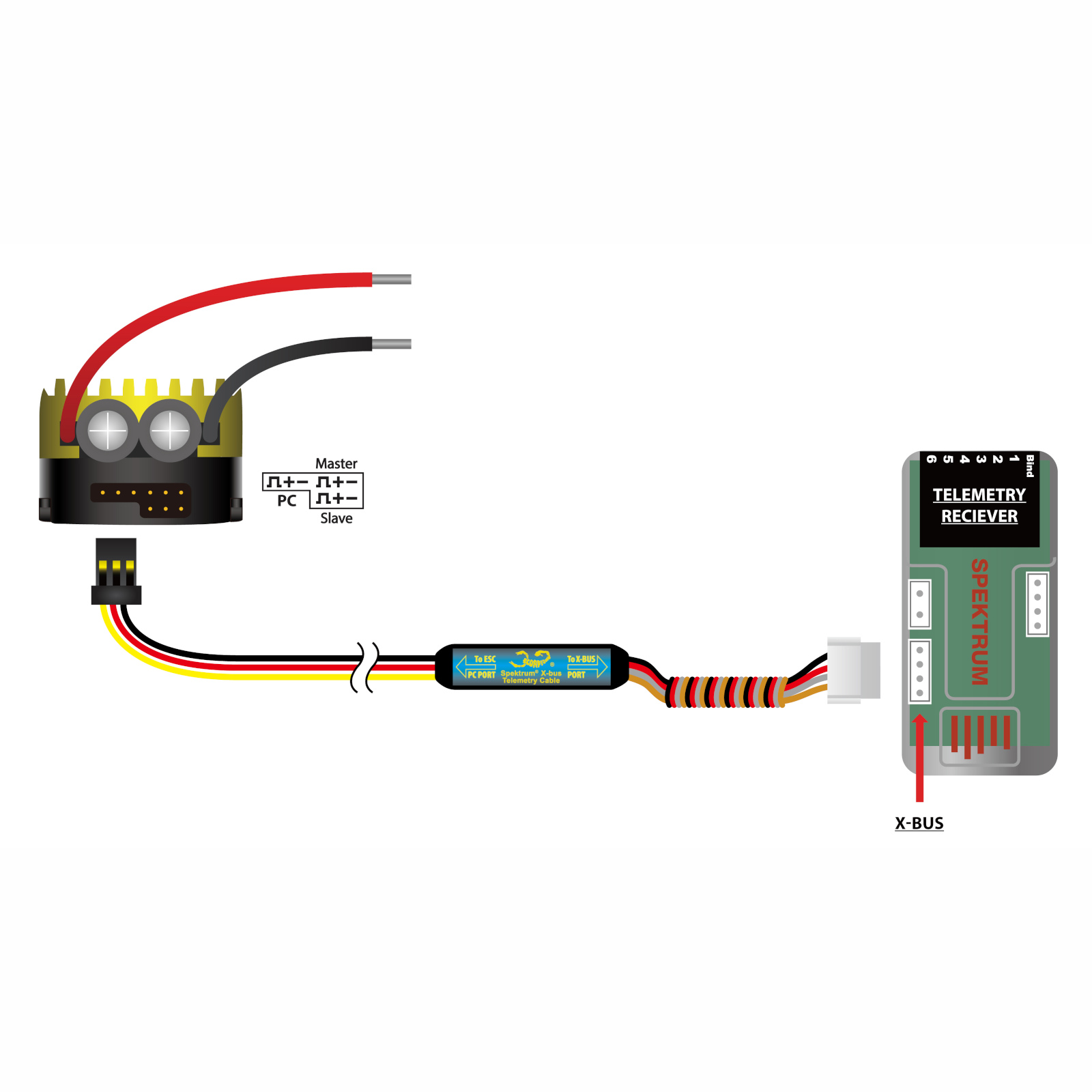
Simply program the “Communication Protocol” of your Tribunus ESC to “UNSC Telem”, the connect servo port of the Scorpion Spektrum® X-Bus Telemetry Cable to the PC Port of your ESC, then connect the opposing side to the X-Bus port of your Spektrum® Telemetry Receiver. It is as simple as that!
Accessing the Telemetry data from your Spektrum® Remote Control is relatively intuitive. View Spektrum® Manuals and documentation for more information if required.

 ‘
‘ 
Specifications
| Cable Length | 490mm (19.25″) |
| Input Voltage Range (ESC Side) | 5V – 12V |
Usage
- Connect JR style connector to the PC port on the Scorpion ESC
- Connect white connector to the X-BUS port on the Spektrum telemetry receiver.

Included
1 x Scorpion Spektrum® X-Bus Telemetry Cable
1 x User guide
Weight including packaging
16g



 EN
EN  FI
FI  SV
SV  DA
DA  DE
DE  FR
FR
Reviews
There are no reviews yet.